

Scan, Collect & Trade TCG Cards
Identify cards in the mobile app. Explore supported Pokémon, One Piece, MTG and Yu-Gi-Oh! printings, track your collection, and discover collector listings.
Photo identification · Collection tracking · AI condition estimates
Catalog records
Trading card games
Sets indexed
One CardBoom account
Catalog snapshot: 2026-10-02. Coverage and image availability vary by language and printing.
Fresh from collectors
New marketplace listings. Prices are sellers’ asking prices.
Everything you need.
Your cards. Your collection. Your community.
Explore Catalog
Compare the exact printing before using a market estimate.

Pokémon
32,904 records · 264 sets
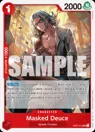
One Piece
2,931 records · 23 sets
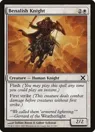
Magic: The Gathering
77,713 records · 262 sets
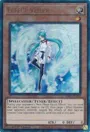
Yu-Gi-Oh!
6,307 records · 140 sets
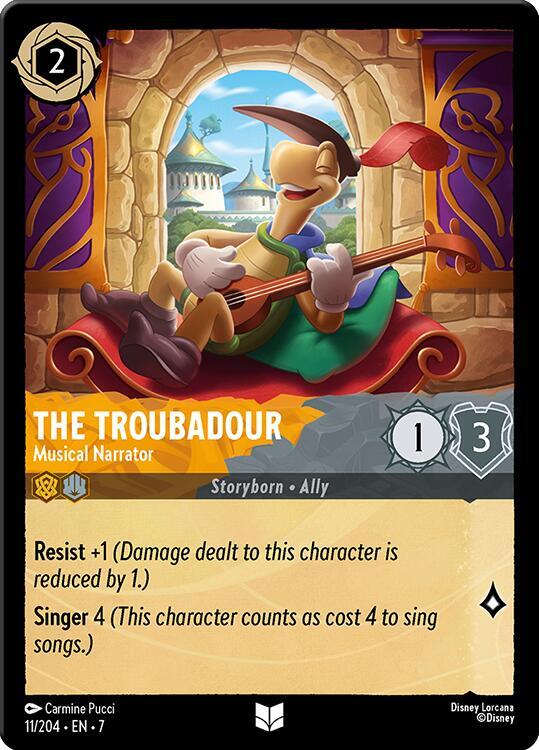
Disney Lorcana
3,468 records · 16 sets
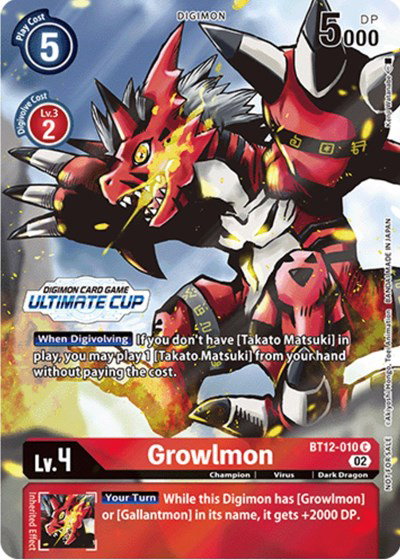
Digimon
929 records · 48 sets
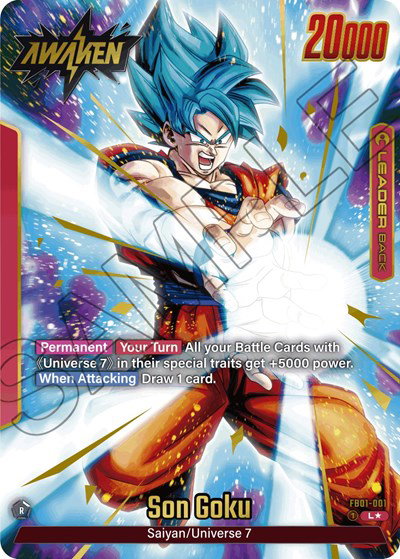
Dragon Ball Super
2,890 records · 27 sets
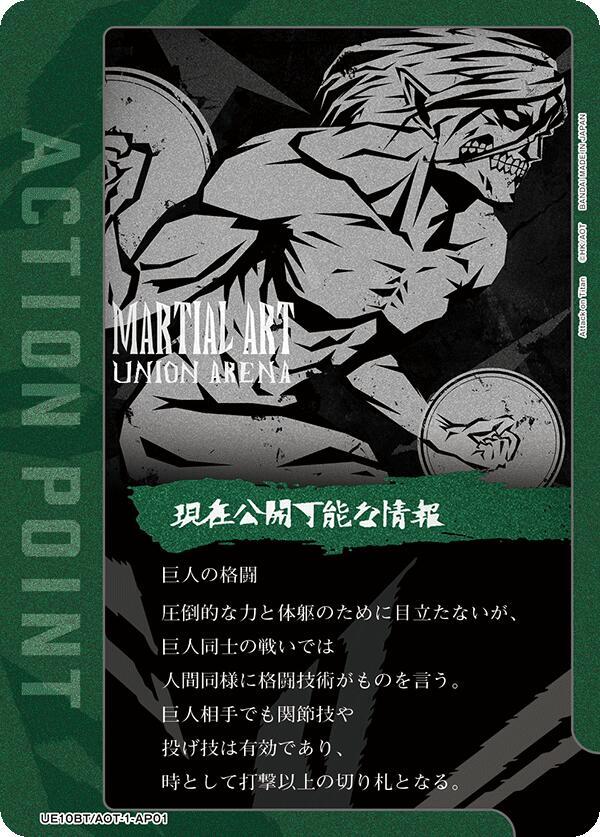
Union Arena
447 records · 24 sets
SpongeBob
727 records · 2 sets
AI condition checks before you submit a card
Upload clear front and back photos for an AI-assisted condition estimate. It is a screening tool, not a certified grade from PSA, BGS or CGC.
Upload
Take a photo of your card
Inspect
Review visible centering, corners, edges and surface
Decide
Use the estimate to decide whether professional grading is worthwhile
Collect with more confidence
Straight answers about scanning, estimated values, AI condition checks and selling cards.
Where can I buy and sell cards on CardBoom?
Marketplace payments currently support Türkiye-to-Türkiye and eligible EEA-to-EEA trades. The UK and Switzerland are excluded. Card scanning and collection tracking are separate from payment eligibility; check your region and the available checkout options in the app.
Learn more →What does CardBoom do?
CardBoom helps collectors identify supported trading cards from photos, save confirmed cards to a collection, view estimated values and browse collector listings. Check the exact printing and condition before using any estimate.
Learn more →Which trading card games can I scan?
The current Google Play listing names Pokémon, One Piece, Magic: The Gathering and Yu-Gi-Oh!. Coverage varies by set, language and special printing, so confirm that a card appears in the app catalog.
Learn more →How do I get a more accurate scan?
Photograph the whole card in even light, keep the collector number readable and avoid glare. Confirm the set, number, language and finish on the result screen; correct the match if the app selects a different printing.
Learn more →How should I scan a binder of cards?
Work through cards in a steady sequence, keep each border and collector number visible, and verify every result before including its estimate in a collection total. Check the current app version for available batch controls.
Learn more →Is an AI card grade the same as a PSA or BGS grade?
No. CardBoom provides an AI-assisted condition estimate from photos. It is not a professional grade, certification or guarantee of the grade a physical submission will receive.
Learn more →Are estimated card values guaranteed sale prices?
No. The value shown is an estimate. Match the exact printing and condition, then compare recent completed sales in your region before buying, selling or submitting a card for grading.
Learn more →How should I value an alternate-art card?
Verify the set and card number, then compare the actual illustration, language and finish. Standard and alternate-art cards can share an underlying identity while selling at different prices.
Learn more →What should I check before selling a card?
Record the exact printing and condition, photograph visible flaws and compare completed sales. Calculate fees, shipping and payment costs so you know the amount you would keep.
Learn more →Still have a question about your account or a card?
Visit our Help Center